 中文
中文Cross-platform desktop tool · Windows currently supported
EasyChat
Translate images, text, and audio. Polish, summarize, and correct writing.
Capture an image, select text, or use a shortcut. For videos, live streams, and online meetings without subtitles in a language you understand, EasyChat can recognize speech and display translated subtitles in real time.
Choose a feature
First use
Get ready in three steps
Start with one working feature, then add OCR or speech models when needed.
Install EasyChat
Choose an installer or portable build. The current release supports Windows.
The installer creates a desktop shortcut. The portable build runs directly after extraction.
Lightweight by design
Memory use stays modest, even with recognition features running.
Choose a runtime state to see the approximate memory footprint.
These figures are reference values for the current release. Actual usage varies with the operating system, loaded models, recognition language, and usage pattern.
Idle
About80MB
Waiting in the background without an active recognition or translation task.
0–400 MB state comparison
More tools
Find a feature by input
Choose images, text, or audio and video to see the available tools.
Screenshot translation
Capture and translate a selected area
Screenshot OCR
Extract and work with text in images
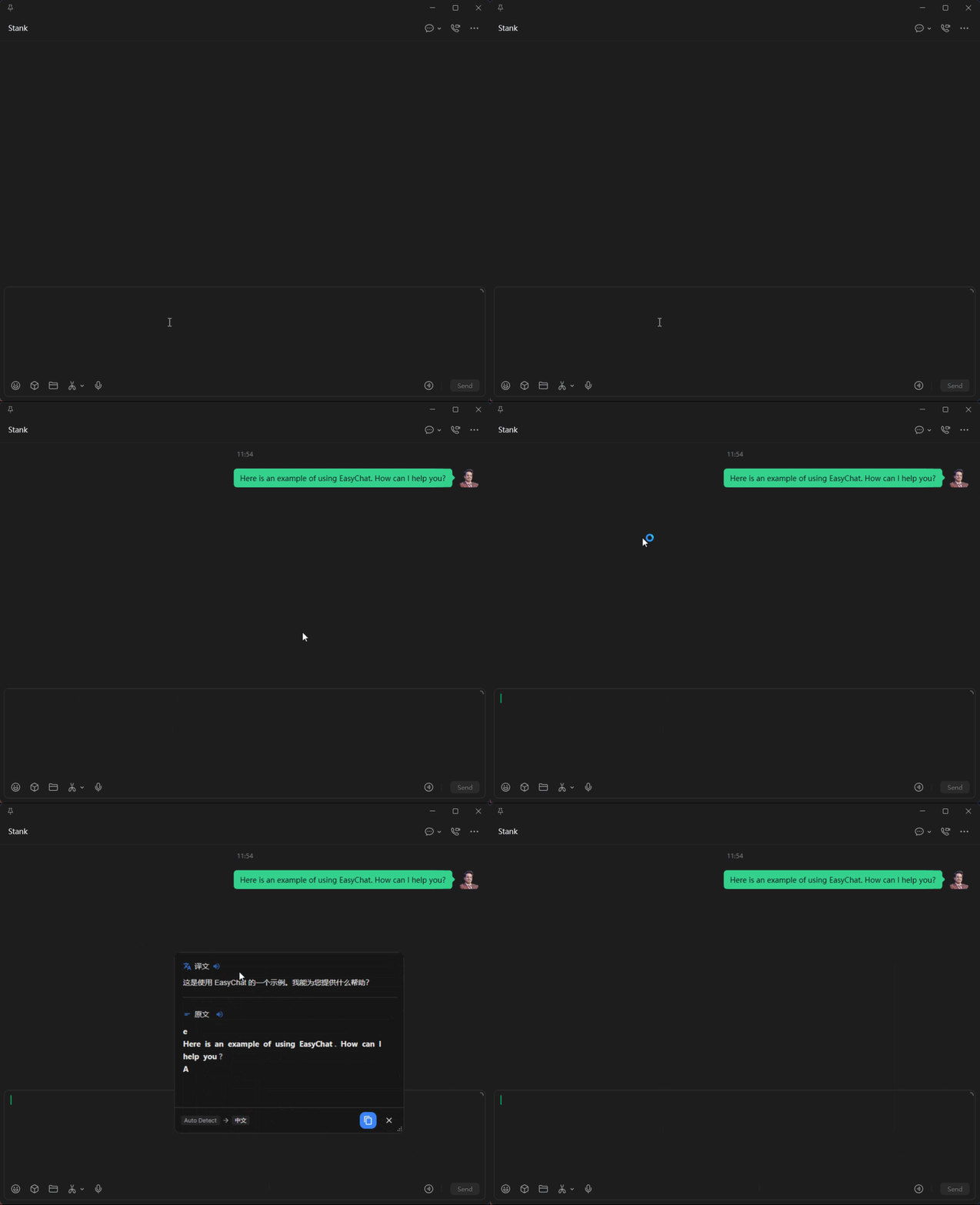
Typing translation
Translate and insert text into the active field
Quick translate
Translate typed or selected text
Quick correction
Check grammar and review explanations
Selection toolbar
Work directly beside selected text
Live subtitles
Turn system audio into translated subtitles
Live Translation
Translate microphone input and output speech
Before you start
EasyChat is designed for cross-platform desktop use; the current release supports Windows. Only translation services require your own API keys. OCR and real-time speech recognition require local models.
Documentation